Interactive Software · Games & Experiences
RPLIDAR Screen Calibration
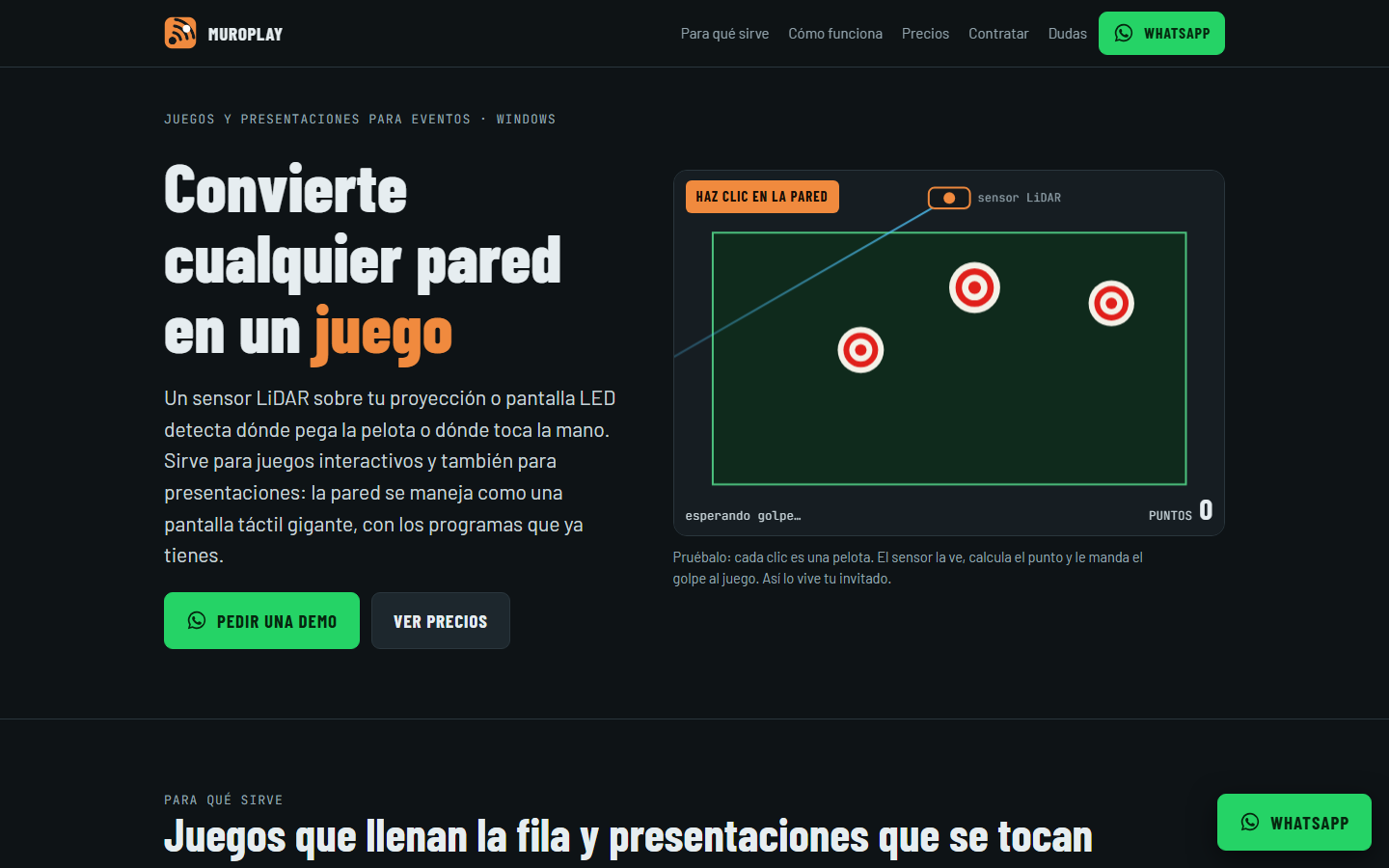
Turns a projected wall into a touchscreen for games using a LiDAR sensor.
Overview
A program that converts a projected wall into a touchscreen for games, using a LiDAR sensor. It is plug and play: connect the sensor over USB, the program detects it on its own, touch two points on the wall to calibrate, and you can play with a ball or with your hand.
Features developed
- 01Plug and play: the sensor is detected automatically over USB
- 02Two-point calibration by touching the wall
- 03Play with a ball or with your hand
- 04Reconnects by itself if the USB cable is unplugged and plugged back in
- 05Sends screen coordinates to games over WebSocket
- 06No changes to Windows network settings
Related projects
Cómplices.club
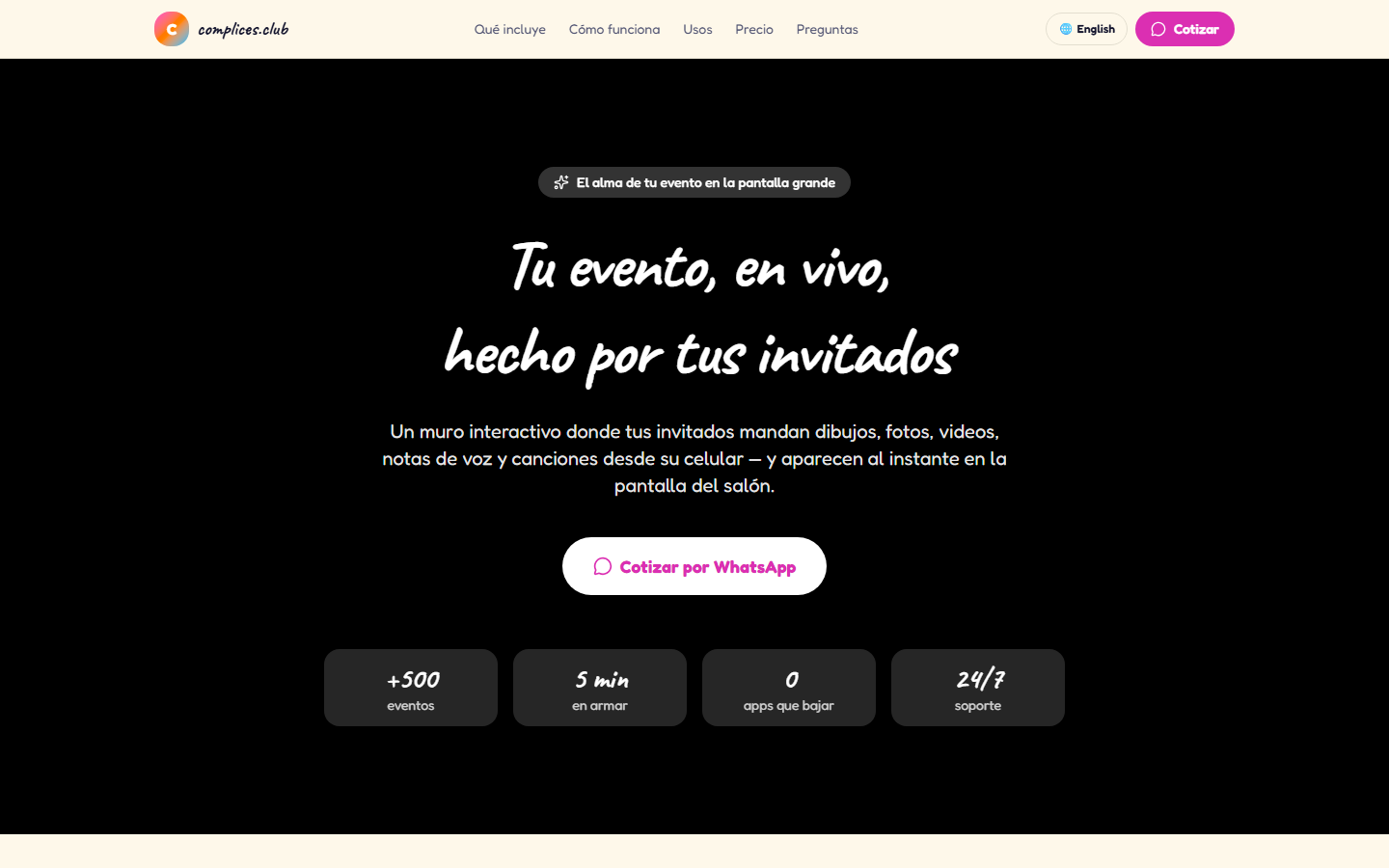
An event app where guests scan a QR code and take part in real time with photos, audio, text and video.
Party Color Team
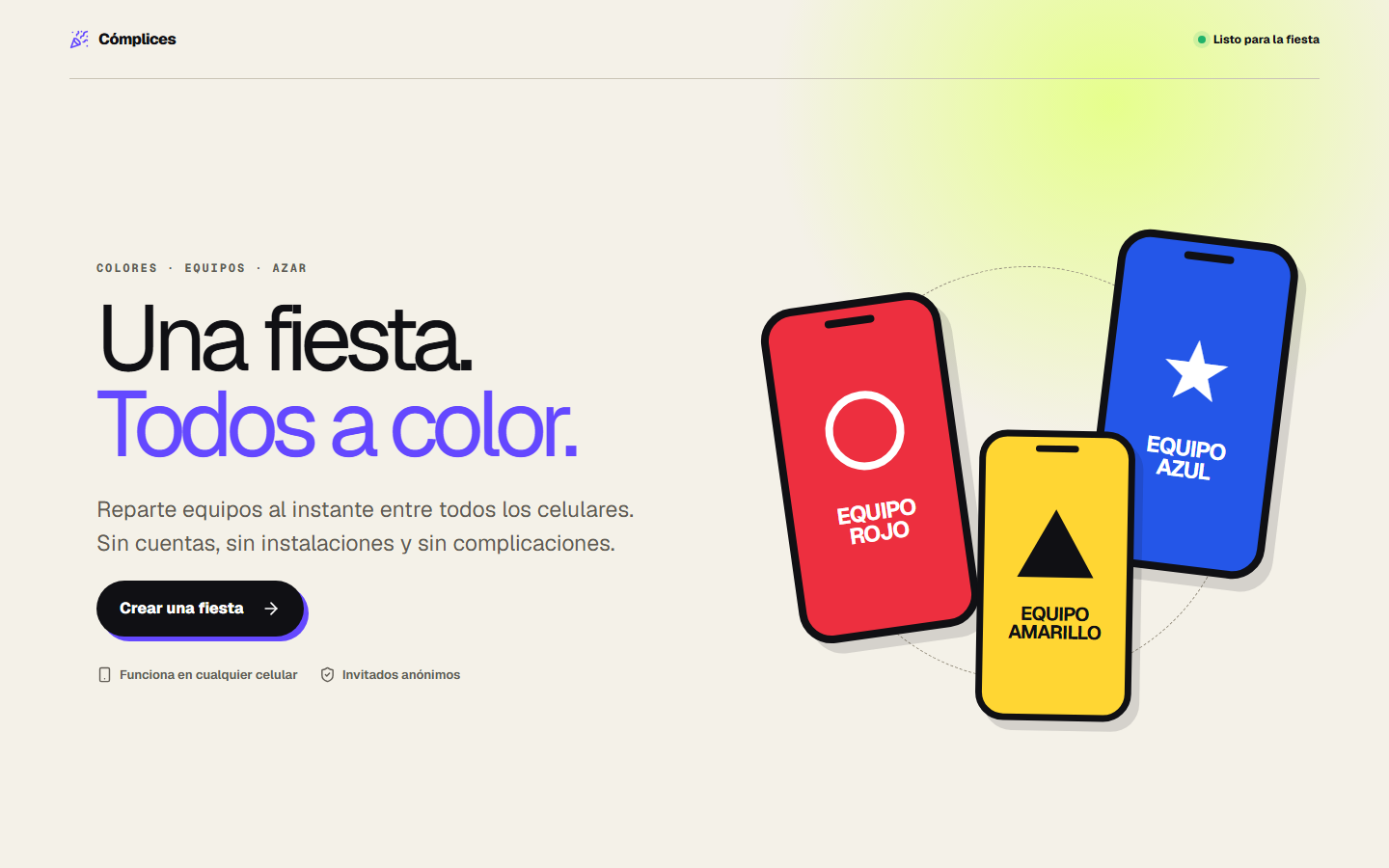
A QR-based social game for bars: guests get a color, find their match, and the venue can message every phone at once.
Interactive Games Platform
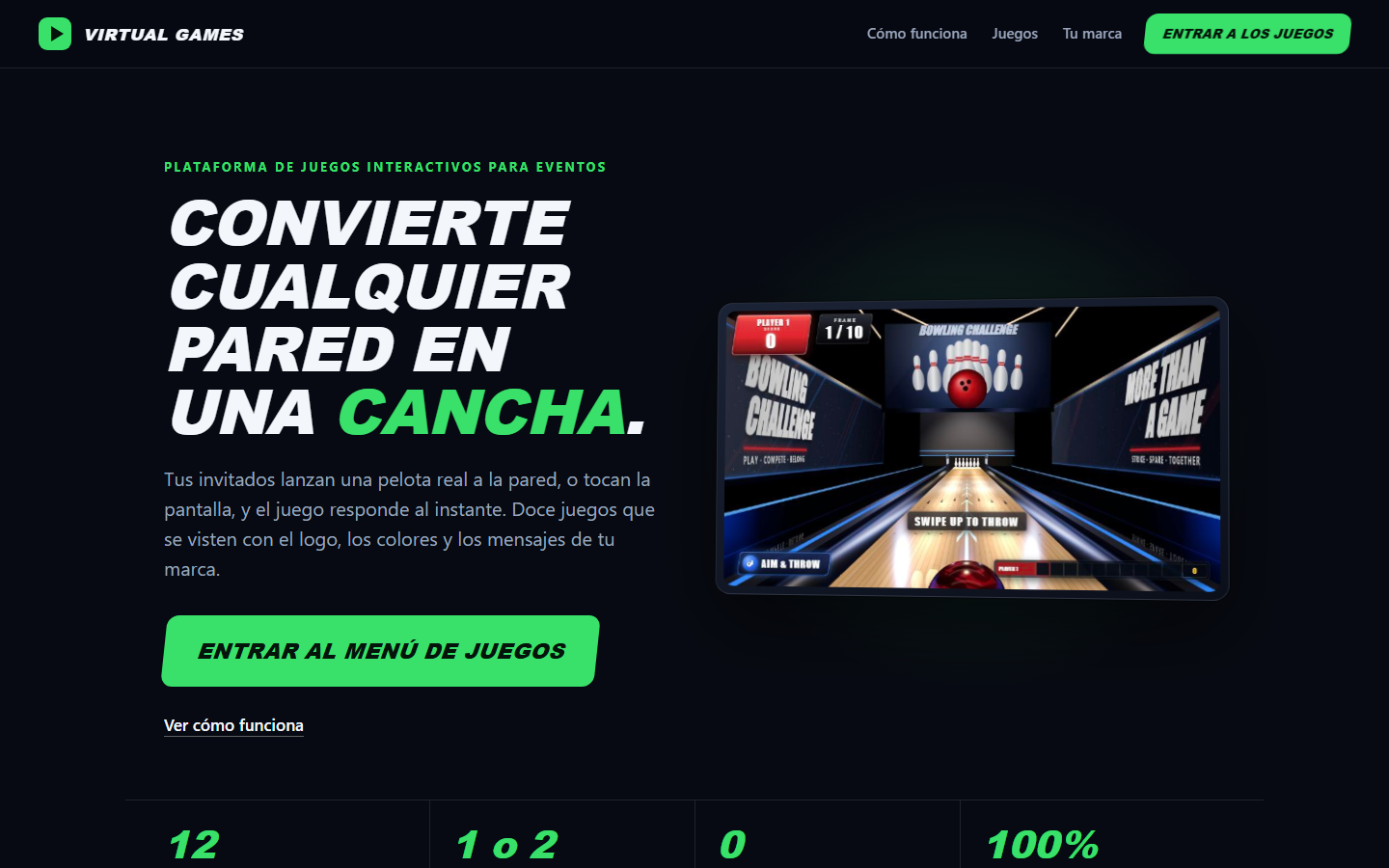
A platform of interactive games, each customizable with the client's logo.